

With Tuple, all participants in a pairing session can draw on the shared screen.If you’re viewing a screen, make sure you’re using the “Paint” cursor mode by selecting it from the Guest Toolbar.If you’re sharing your screen, you can configure a hotkey in your preferences to enable Paint mode, or click the icon in the menu bar:
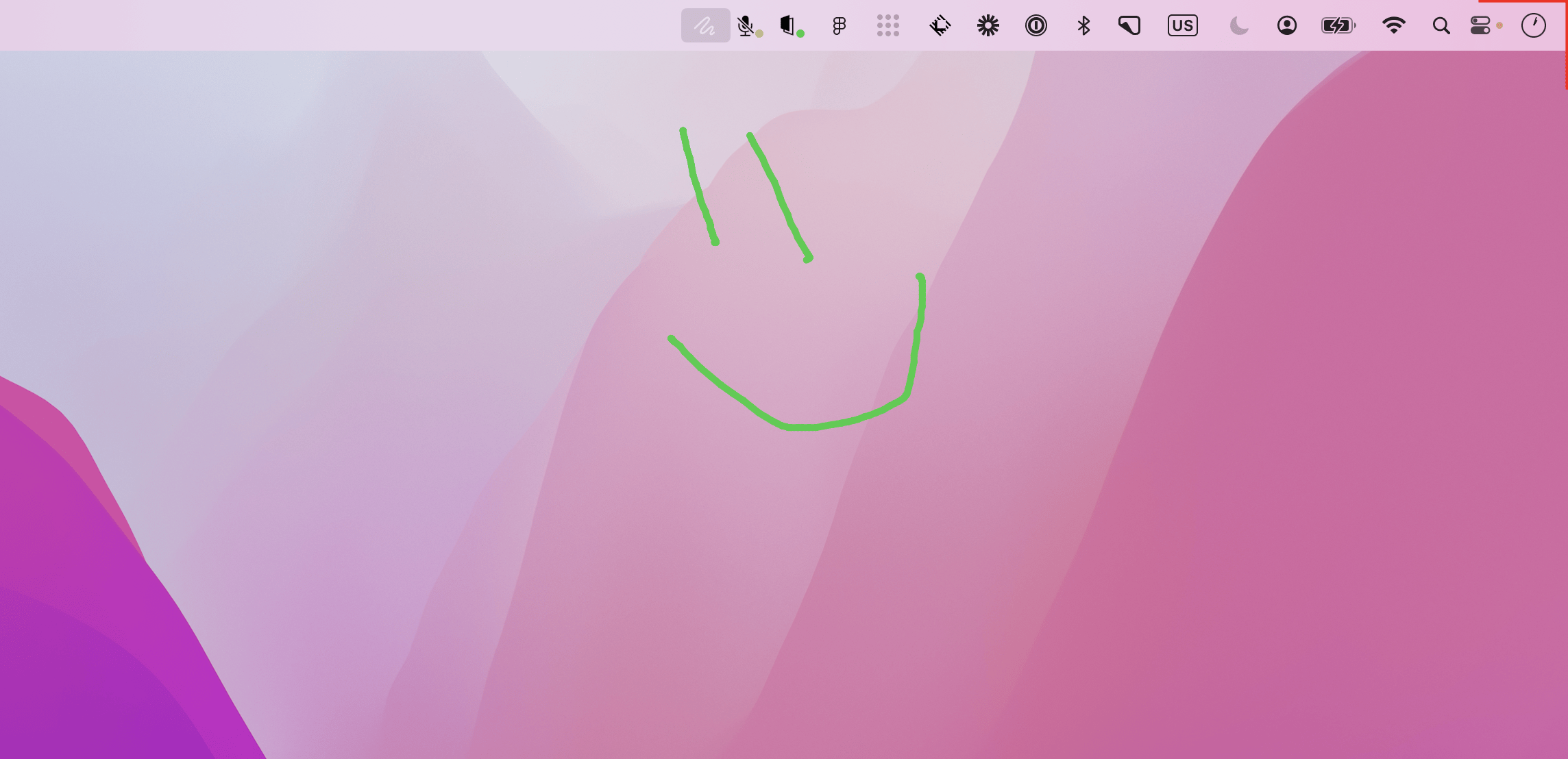
Press the hotkey again, press “Esc”, or click the Tuple icon in your menu bar to return to normal.In either role, just click and drag to paint, and use right-click to clear your paint. Hold Shift while drawing to constrain your stroke to a straight line. In your Preferences, you can choose between waiting until a right-click to clear the paint, or if you want it to clear after a few seconds automatically.


