

Local History lists every call you’ve captured on your machine. You can search past calls, get an overview of what was captured, and open a call in your agent of choice.Local history is built from the same local database the Tuple daemon writes as each call is captured — nothing is fetched from Tuple’s servers. (For the team-wide history on the web, see Viewing your call history.)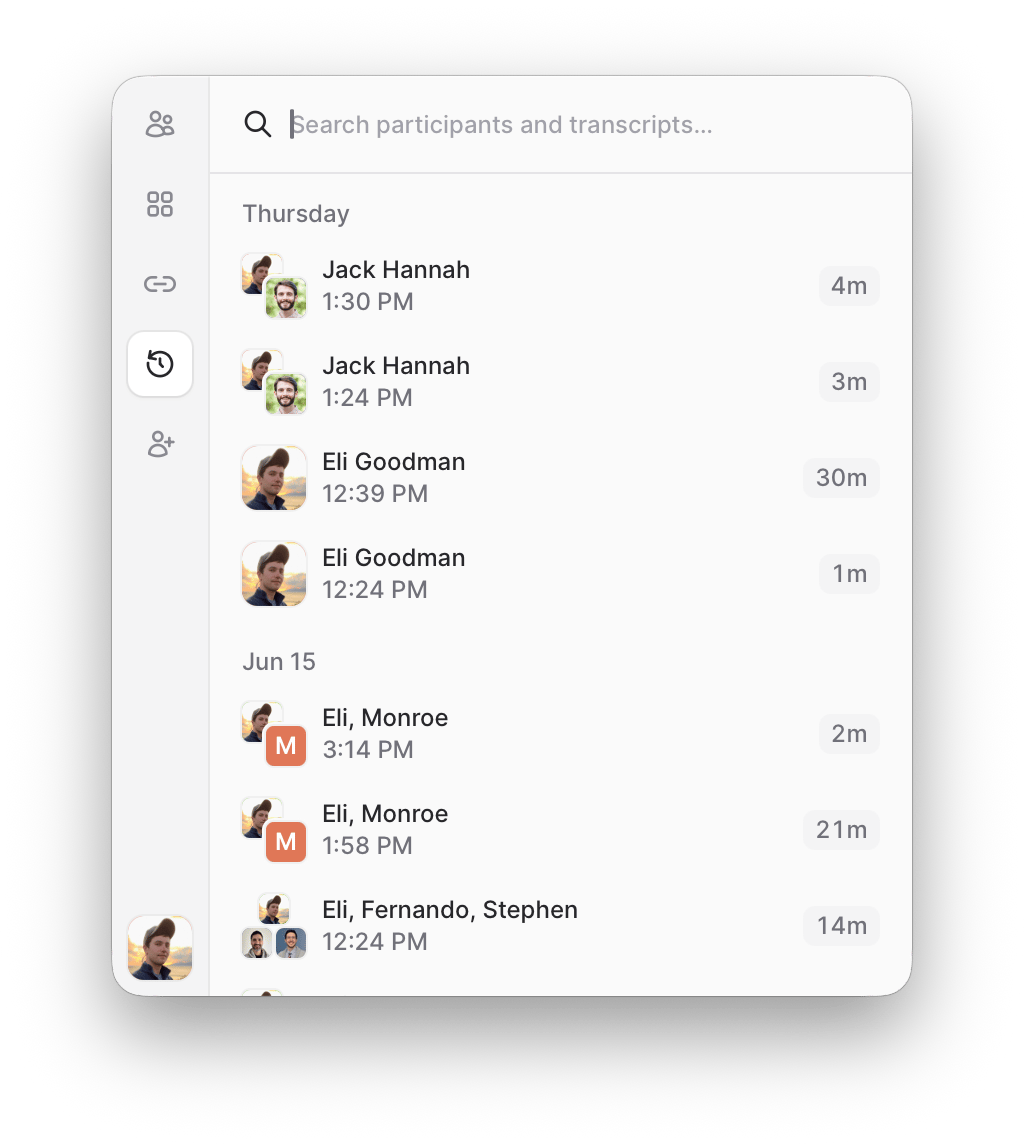
Opening Local History
Local History lives in its own tab in the app sidebar, alongside People, Rooms, and Links. Click the Local History icon to open it:Searching past calls
Use the search box at the top to filter by participants and captured content:- Participant names match as you type, including short prefixes — typing
capfinds calls with “Capel”. - Transcript content is full-text searched once any term is at least three characters long.
- Shared content — the window titles and URLs of app that were present on shared screens during the call
Opening a call in an agent
The dialog gives you two ways to load the captured call in your agent harness of choice:- CLI yields a
tuple connectcommand. Run it in your terminal to open the call in Claude Code, Codex, or any harness. - Prompt gives you a prompt to paste into an agent harness you already have running.
Deleting a call
To remove a call from your device, right-click it and choose Delete call. This permanently deletes everything that call captured (its transcript, screen recordings, app metadata, and events) from your local database. It affects only this machine and can’t be undone.You can also delete a stored call withtuple capture delete <call-id>.