

File permissions
Tuple will only execute triggers which are owned by the user who is running Tuple, marked as executable, and not publicly writable. This is done to ensure that Tuple doesn’t execute a script that has been modified by an unprivileged application or piece of code on your machine.OS permissions
macOS
On macOS, Tuple executes triggers from a separate XPC service so that it can maintain a separate set of OS permissions from the main Tuple application. This means that by default, triggers have no special OS permissions unless you grant them.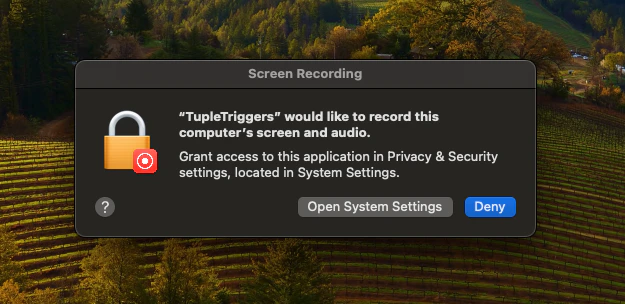
Installing from the web directory
Installing a trigger from the web directory downloads it to~/.tuple/triggers and reveals its source in Finder so you can review it.
If triggers are off, Tuple asks what to do after installation:
- Click Enable Triggers to turn them on immediately.
- Click Manage in Settings… to open the Triggers preference pane without enabling them.
- Click Not Now to leave the trigger installed but inactive.
Community triggers
The directory contains triggers that have been written by other users of Tuple, and made available for convenient installation. The Tuple team reviews each submission to the directory, and makes a best effort to ensure that they are safe and correct. To see the source code for any of the triggers listed in the directory, head over to tupleapp/community-triggers and check out thetriggers/ subdirectory.