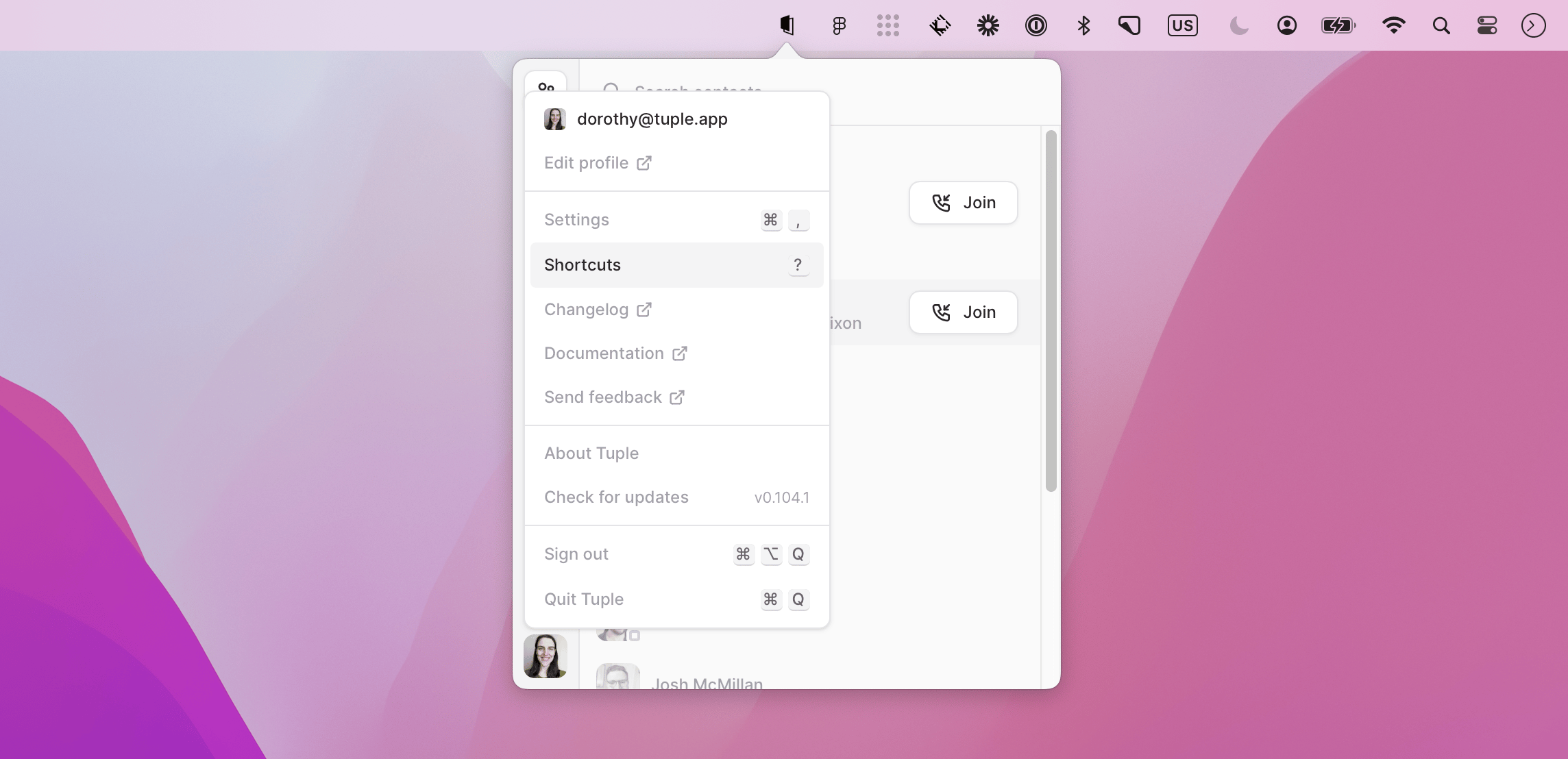

Prefer to navigate with your keyboard instead of your mouse? Tuple supports keyboard shortcuts.To access the in-app list of shortcuts, open the Tuple menu by clicking your avatar image in the bottom left of the popover:Tuple avatar menu with Shortcuts highlightedYou can also access this view by pressing the ? key while the Tuple window is in focus. Selecting Shortcuts will bring up the overview:Keyboard shortcuts overview window in TupleScroll down to review all shortcuts currently available.