

tuple command-line tool. Turn the switch on or off to allow or revoke the CLI’s access to your calls and contacts. Learn more on the CLI page.
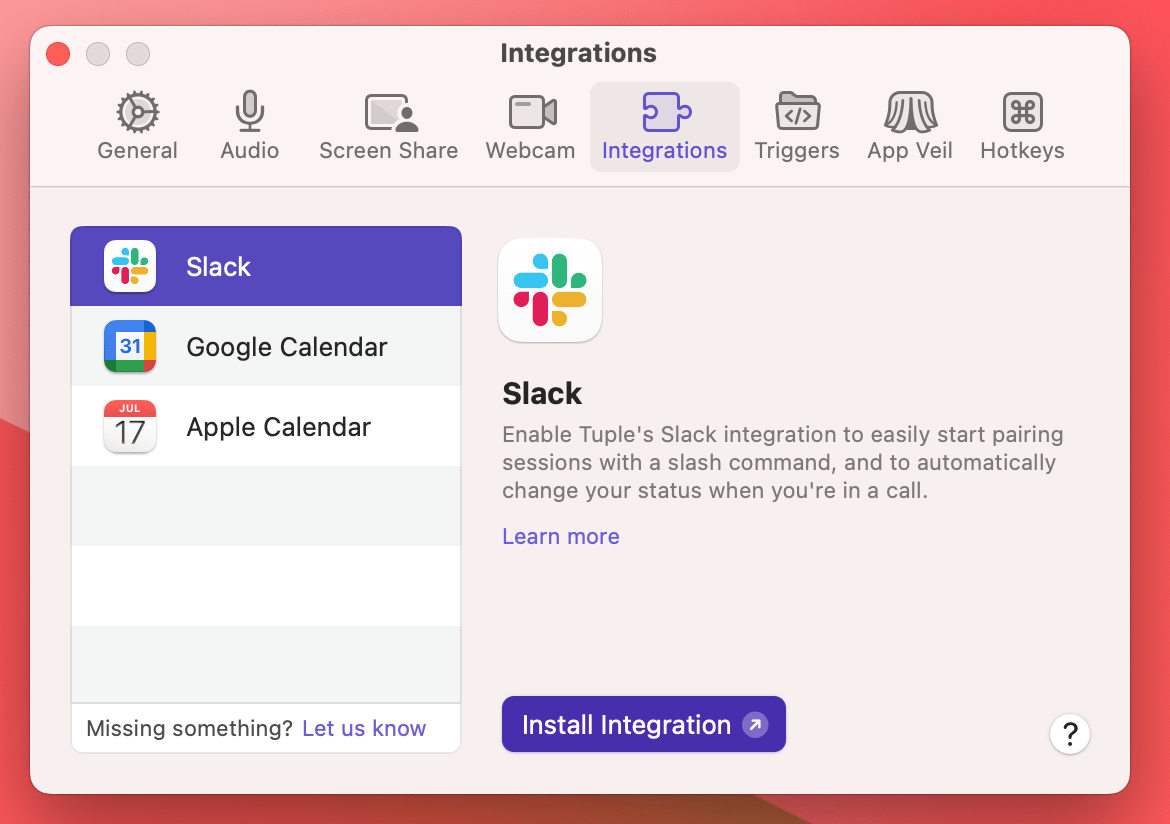
You can learn more about our integrations here.tuple command-line tool. Turn the switch on or off to allow or revoke the CLI’s access to your calls and contacts. Learn more on the CLI page.
You can learn more about our integrations here.