

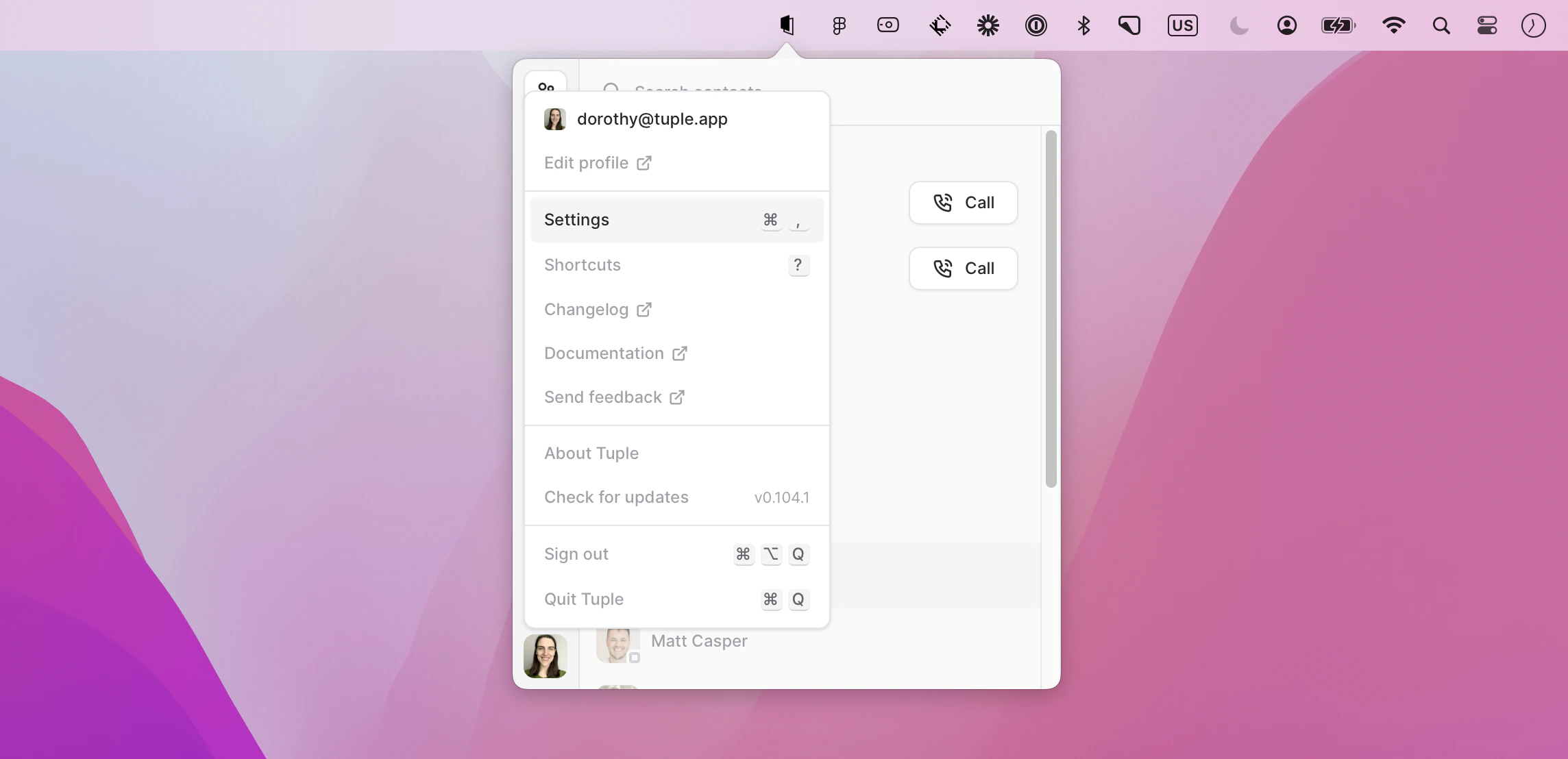
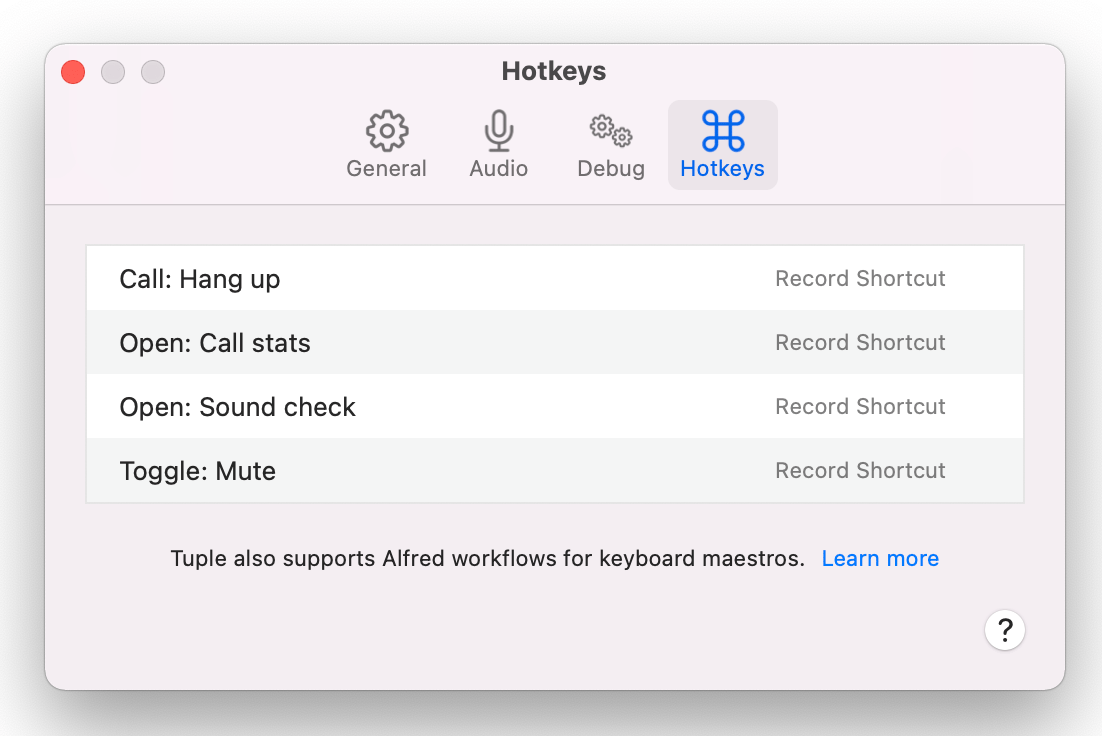
Escape to cancel recording, or click the clear button to remove a hotkey.
Push to Talk can also use a button on a game controller or other input device. Press the button while recording, and the recorder shows the device and button, such as Xbox Wireless Controller Button 1.
You can scroll for even more options than shown in this image.