Pairing is a great way to interview developers. Pairing with candidates using Tuple is even better!
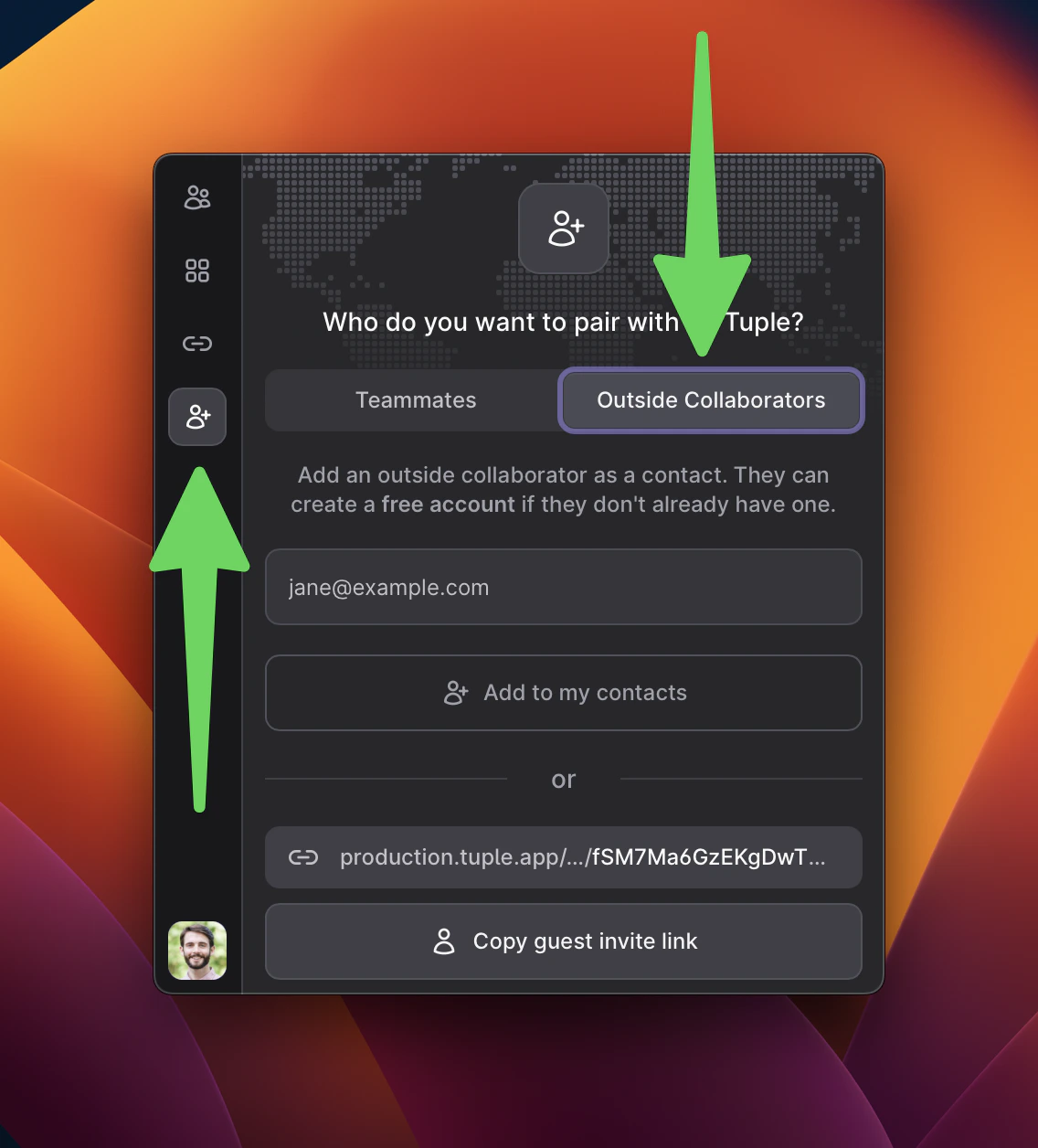
Invite candidates as outside collaborators, not teammates. This does not add them to your team or consume a paid seat. Candidates without a Tuple account can create a free guest account without starting a trial or entering payment information.
When you schedule the interview, send the candidate your outside-collaborator invite link or add them by email. They can accept with an existing Tuple account or create a free guest account.You’ll be added as contacts for one another, but they will not be able to see the rest of your Tuple team in their contact list.You can then send them a call link or call them directly at the time of the interview. Note: candidates who create free guest accounts will not be able to join Room links.To remove them after an interview, right-click them in your contact list and select Remove.
Was this page helpful?
Assistant
Responses are generated using AI and may contain mistakes.