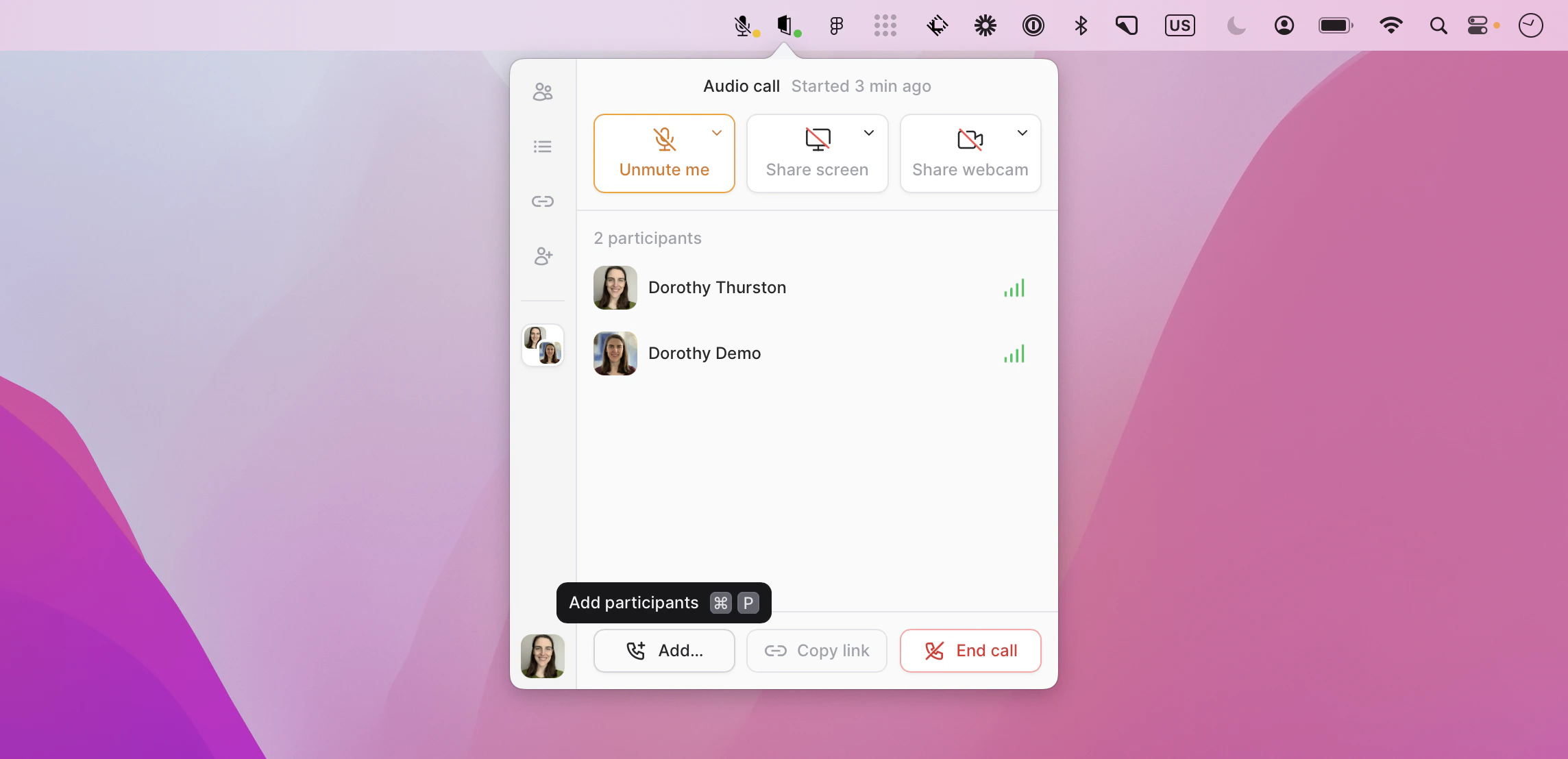
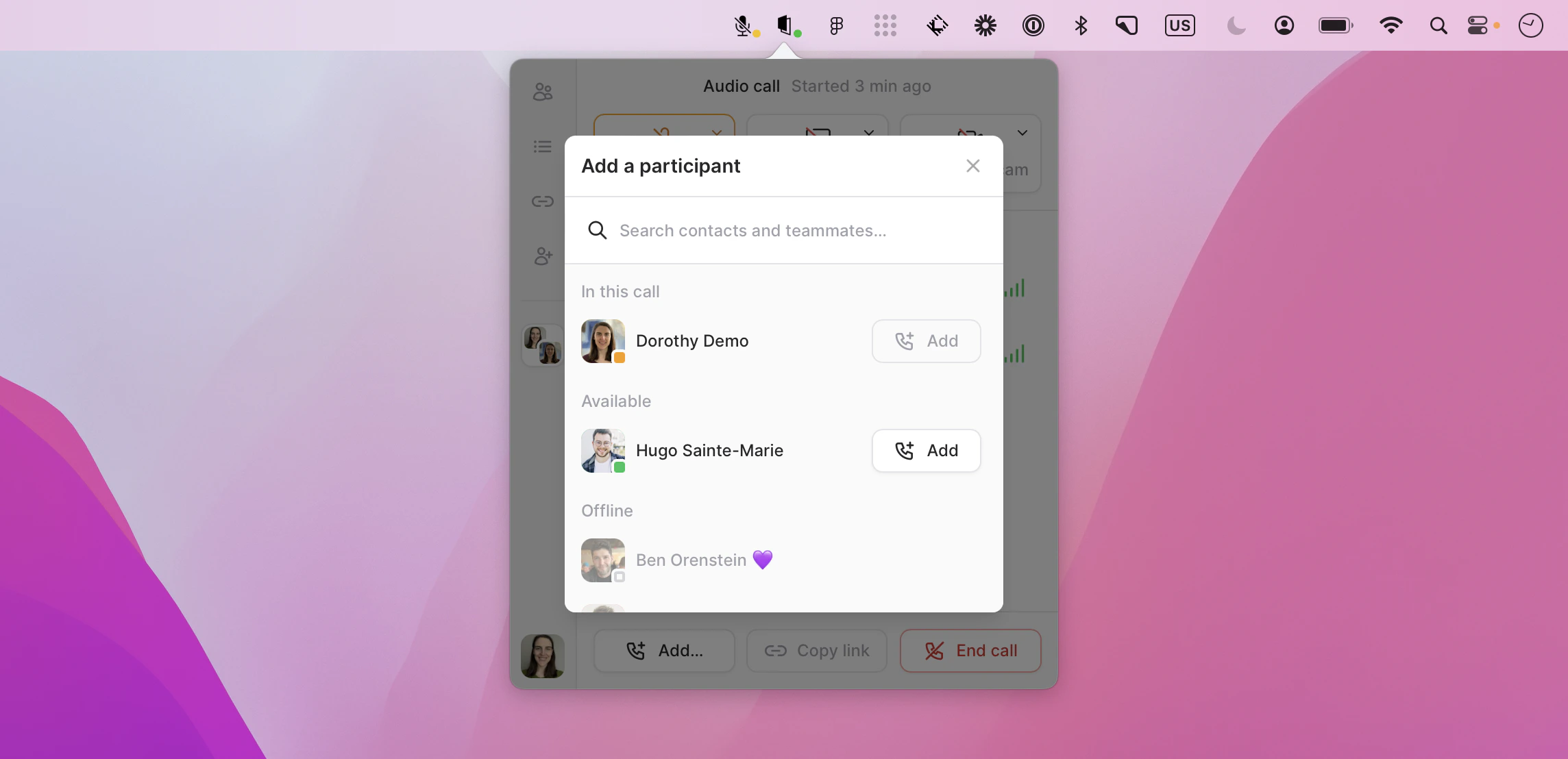
Sometimes when pairing, having more than two people in a session can be a huge help. Tuple allows up to10 participants on any call.When in a call, anyone can add another participant with just two clicks. First, click “Add another participant”:Then, click Add next to the person you want to invite to the call:
Was this page helpful?
Assistant
Responses are generated using AI and may contain mistakes.