

Instead of starting a call by calling a contact directly, calls can be started or joined via a link. Call links are useful for scheduled calendar events, or inviting someone to join you on a call via a chat app like Slack. Tuple allows up to 10 participants on any call. Your personal call link is located at the top of the Link tab: Link tab showing your personal call link options
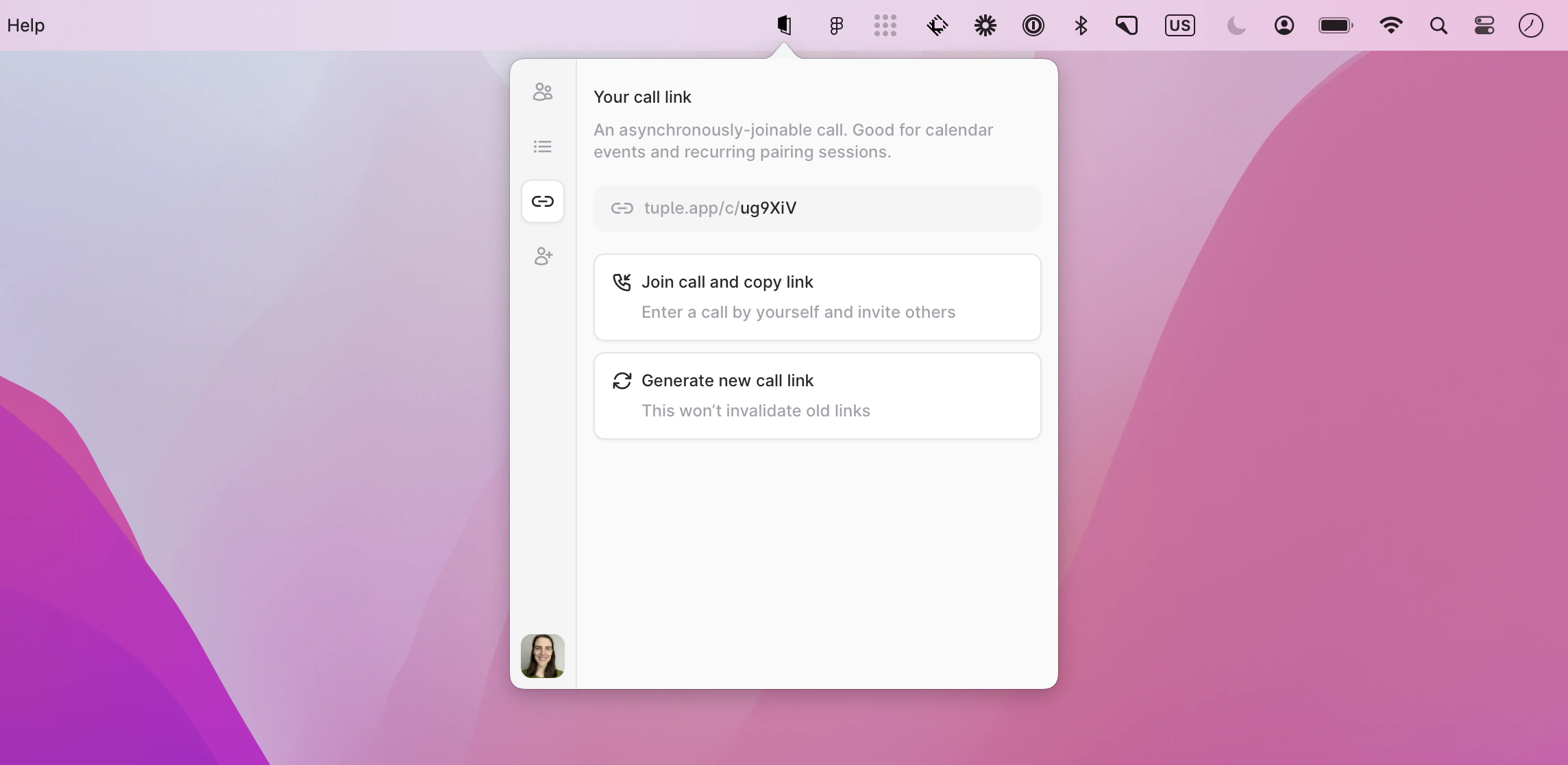
  • Hovering and clicking “Copy call link” will copy the call link to your clipboard so that you can paste and share it.
  • To join your own call, you can select “Join call and copy link.” This will start the call, and allow you to add or approve any further participants. It will also copy the link to your clipboard.
  • If you’d like to create a new link, you can do so by selecting “Generate new call link.”

When a contact joins your call via your link, you will receive an approval notification that lets you add them to the call: Notification asking you to approve someone joining your call When you join a call via a link, you will be conditionally added to the call pending the owner’s approval. After they join the call, and approve you joining, you will be added to the call.