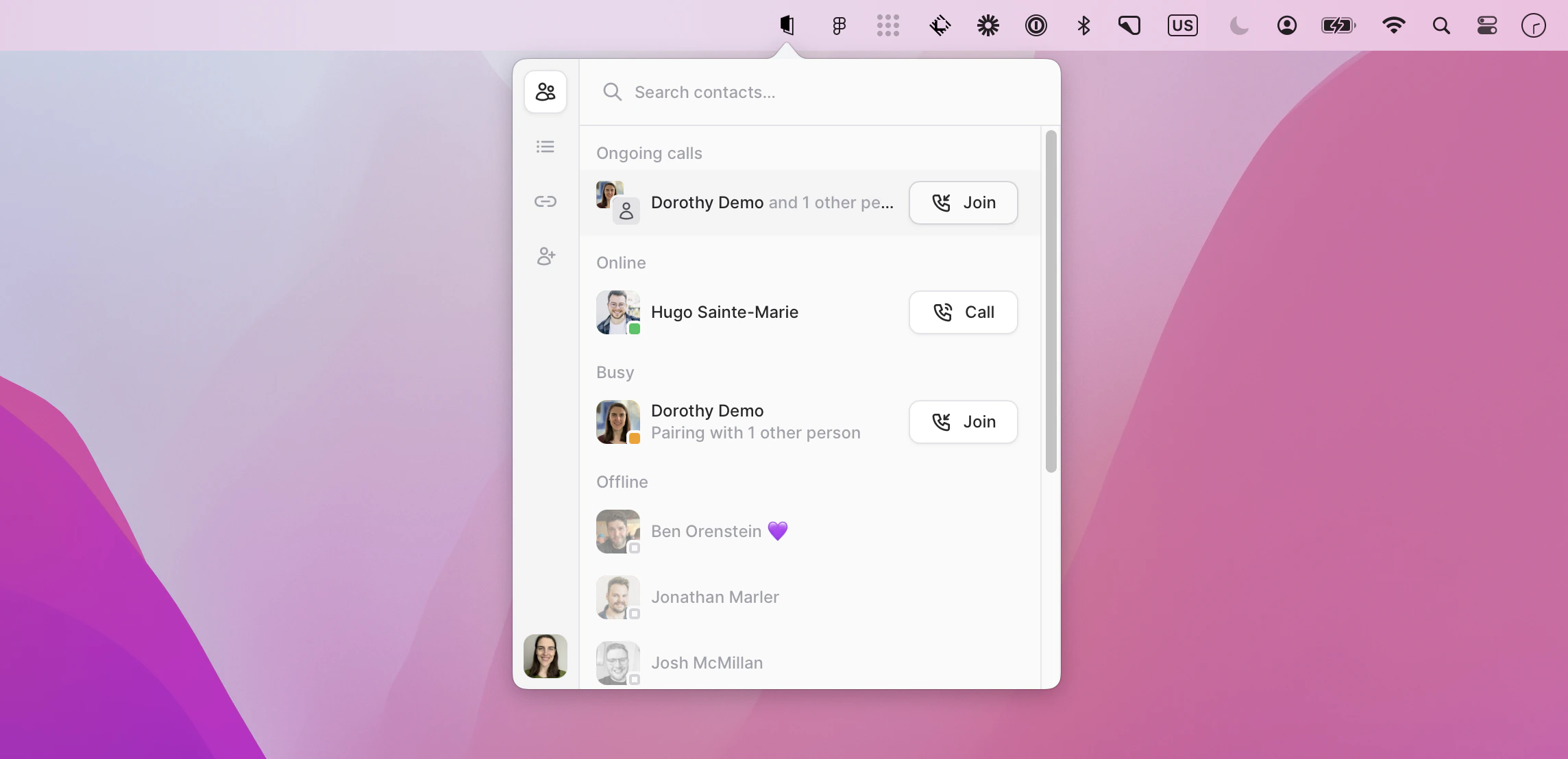
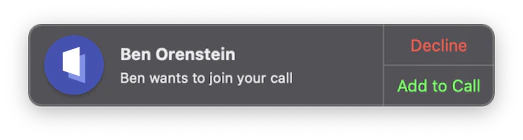
If a friend is currently pairing, you will see the yellow icon next to their avatar and a description of who they are pairing with below (more about showing who you are pairing with here).If you would like to join this pairing session, you can do so by clicking the Join call icon:This will notify the call participant that you would like to join their call by showing them a notification like this:
Was this page helpful?
Assistant
Responses are generated using AI and may contain mistakes.