

Billing and Subscription
Reactivating a subscription
If you are the Owner of a team with an active subscription, you can initiate a reactivation for your account by signing in to the Tuple web app.
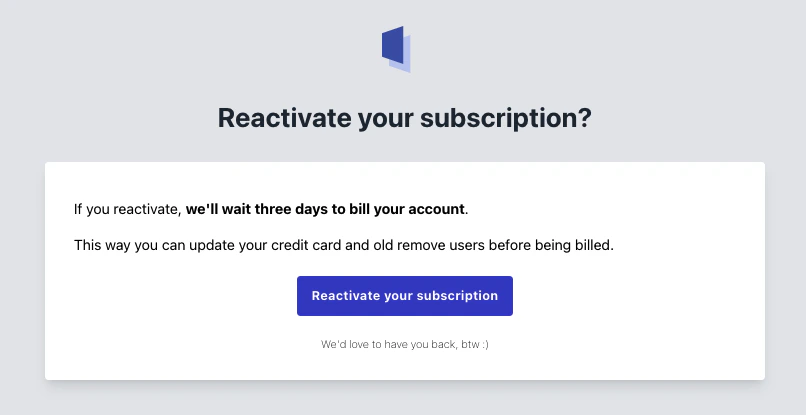
When you sign in, you’ll see a message that looks like this: