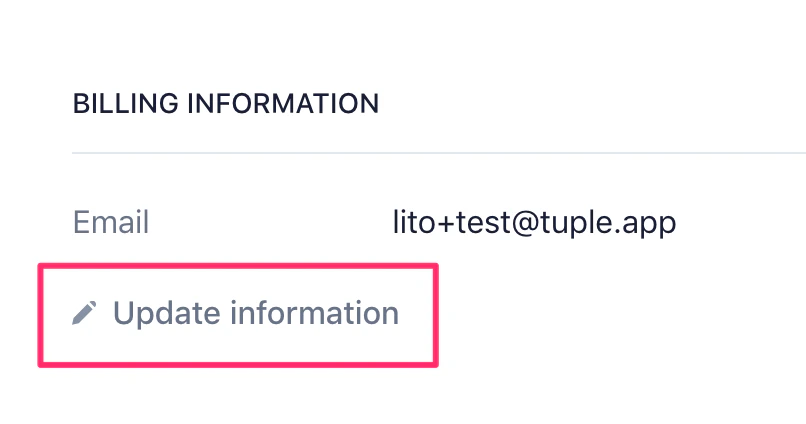
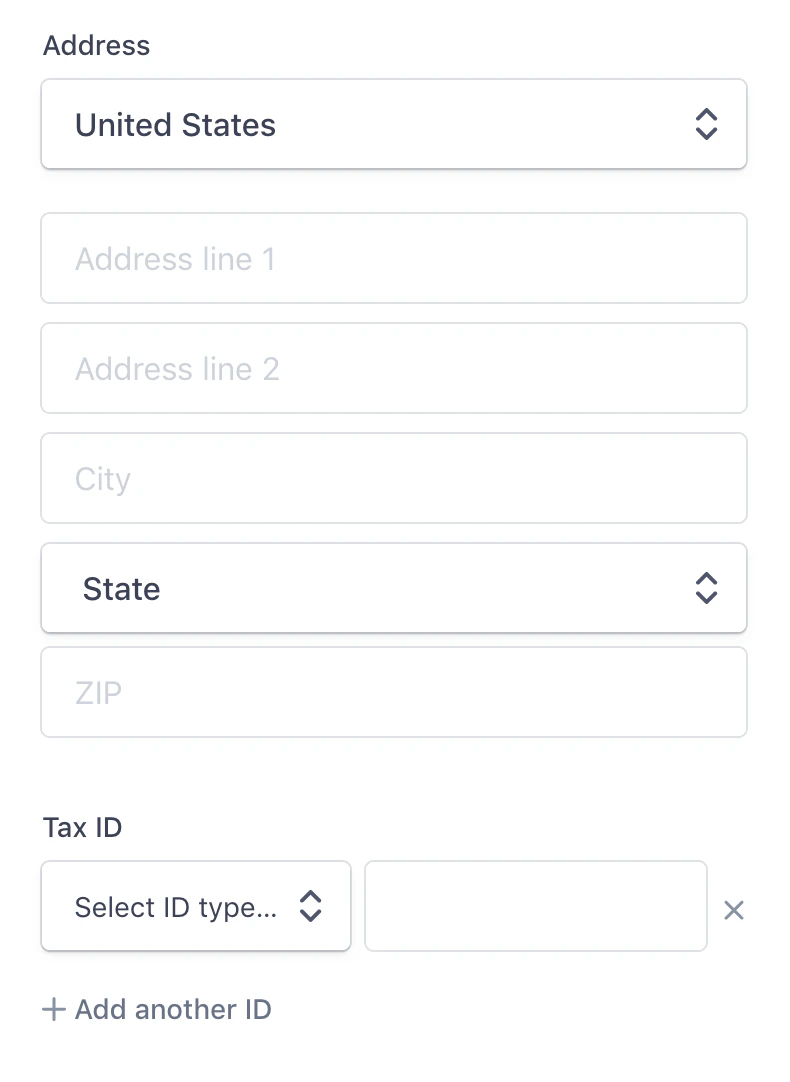
If you are the Owner of a team with an active subscription, you can add extra information — a billing address, tax information, or a VAT ID — to your invoice.Beneath the Users List, select “Manage Billing”:Then, click on “Update information”:That will bring you to a page where you can add your address and tax information to your invoices.If you need an old invoice voided in favor of an updated version, please write to us!
Was this page helpful?
Assistant
Responses are generated using AI and may contain mistakes.