If you are the
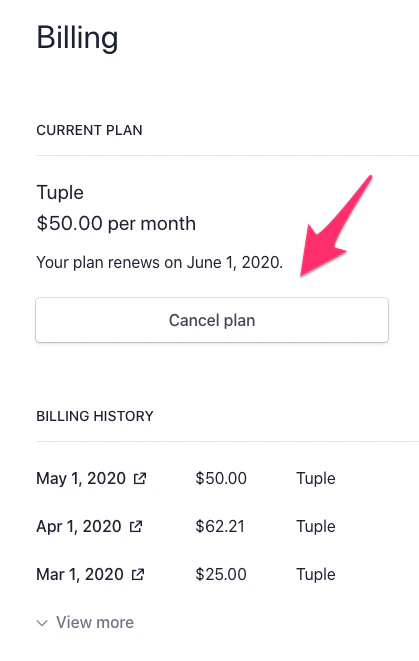
Team Owner for a team with an active or trial subscription, you can access the billing portal by selecting “Manage billing on Stripe” on your team management page.You will see the following “Manage billing on Stripe” button:This will take you to a page where you can set your subscription to cancel, renew it if you change your mind, and download past statements:
Was this page helpful?
Assistant
Responses are generated using AI and may contain mistakes.