

Getting credentials
SCIM credentials are issued per-team. To enable SCIM:- Send an email to support@tuple.app requesting SCIM provisioning.
- Once approved, your credentials appear on the Team Management page.
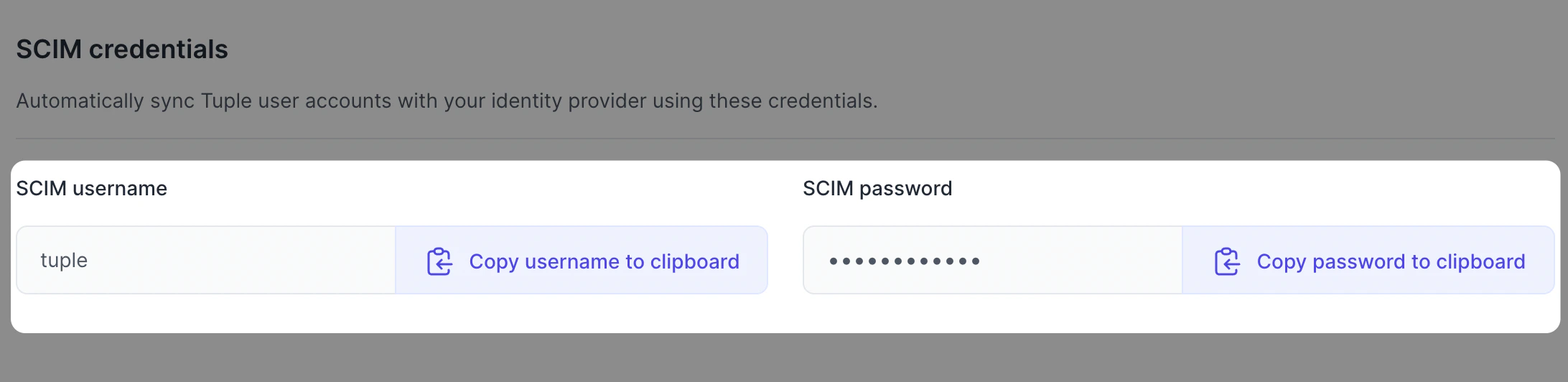
<SCIM username>:<SCIM password>.
Provider-specific guides
Okta
Okta SCIM connector
Microsoft Entra ID
Formerly Azure AD
OneLogin
SCIM Provisioner with SAML
How SCIM works with Tuple
Tuple’s SCIM endpoints
Map
userName to the same email address your SAML configuration sends. When the two disagree — for example, SCIM sending a UPN while SAML sends mail — each flow matches a different account and users end up duplicated.