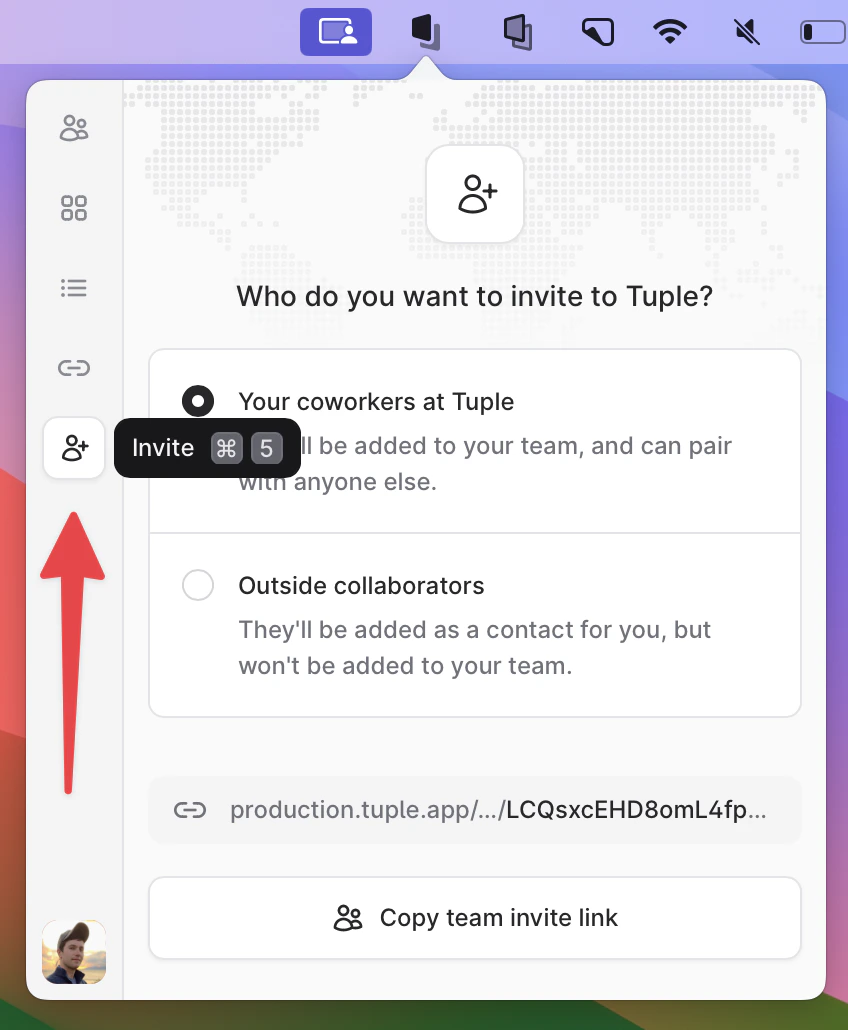
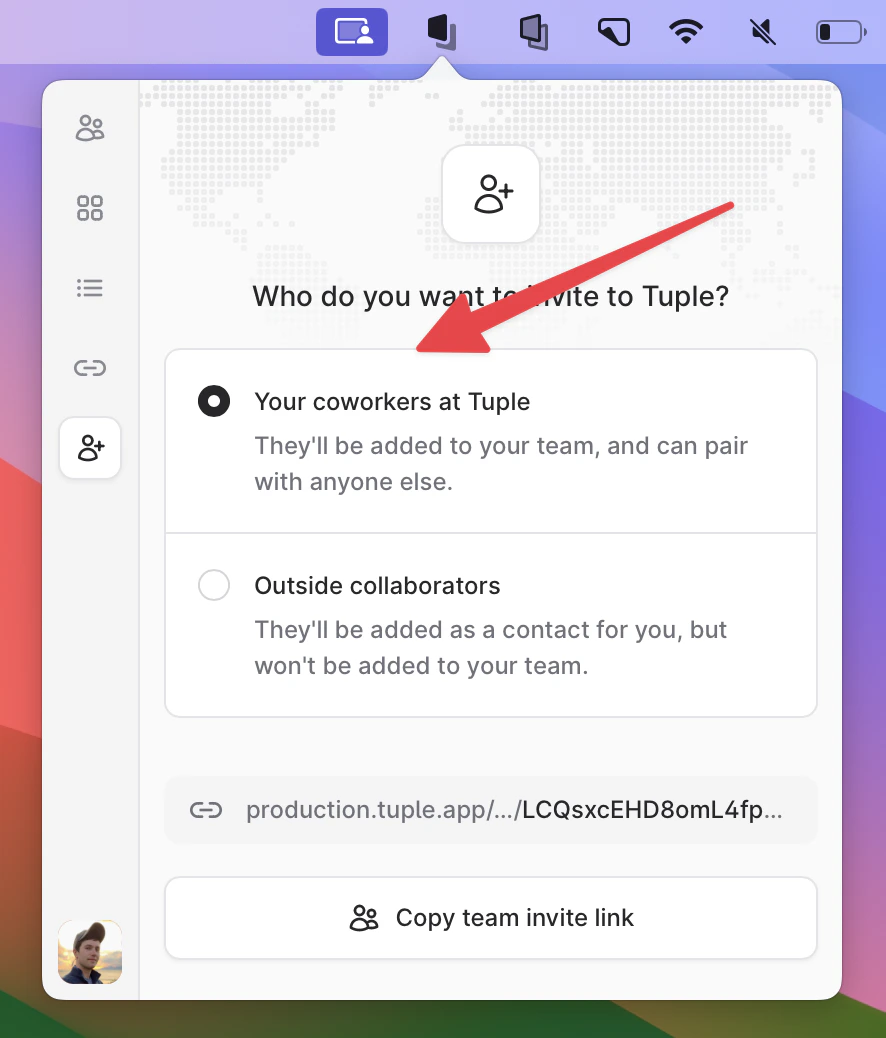
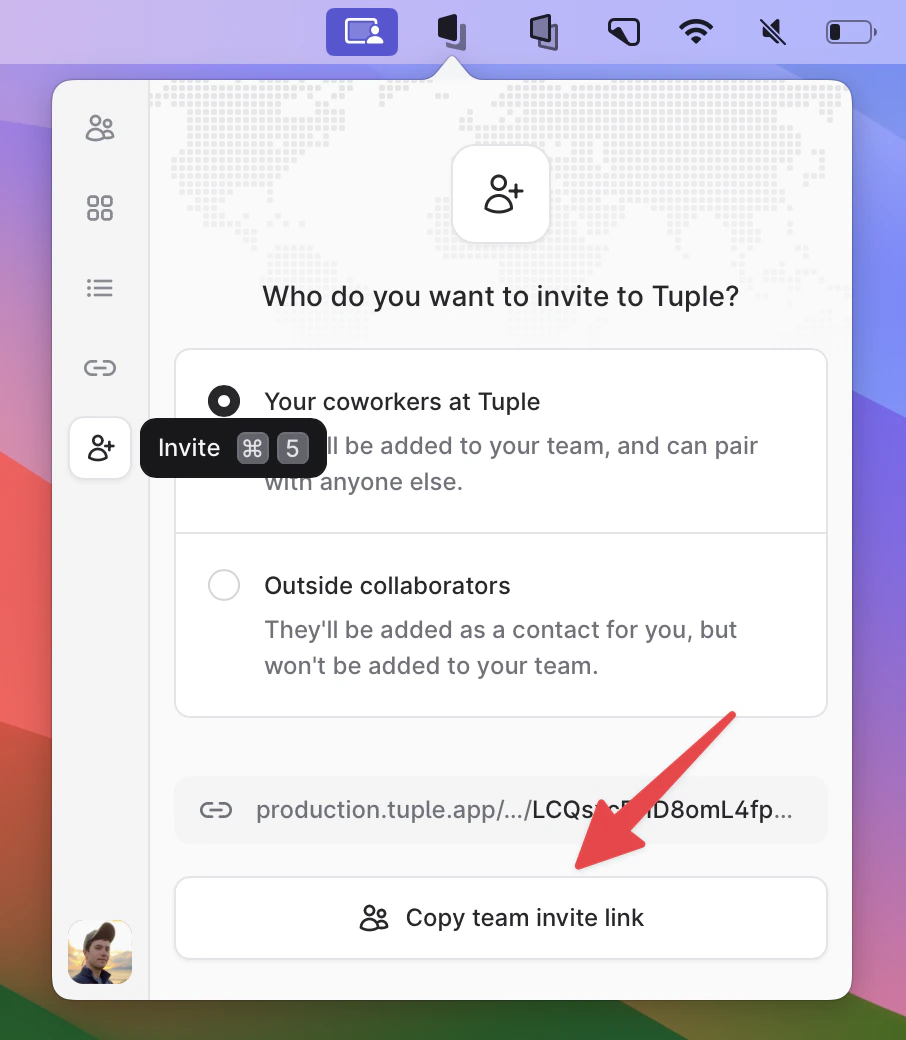
If you’re trying to join your team on Tuple, you’ll need someone on your team to send you a team invite link. Anyone on your team can do this - they don’t have to be a team owner. Here’s how one of your teammates can get this link for you:Have someone on your team open the Tuple popover in the menu bar:Navigate to the Invite tab:Be sure the “team invite link” option is selected:Have them copy the link, and send it to you via chat / text / email:Clicking on that link should allow you to join your team when you sign up for Tuple. If you’ve already created an account but haven’t joined a team yet, you won’t have to make a new one; clicking on the link allows you to join your team with the account you’ve already created.
Was this page helpful?
Assistant
Responses are generated using AI and may contain mistakes.