

Members and Permissions
Removing users
As a team owner or manager, you have the capability to remove users from your team at any time.
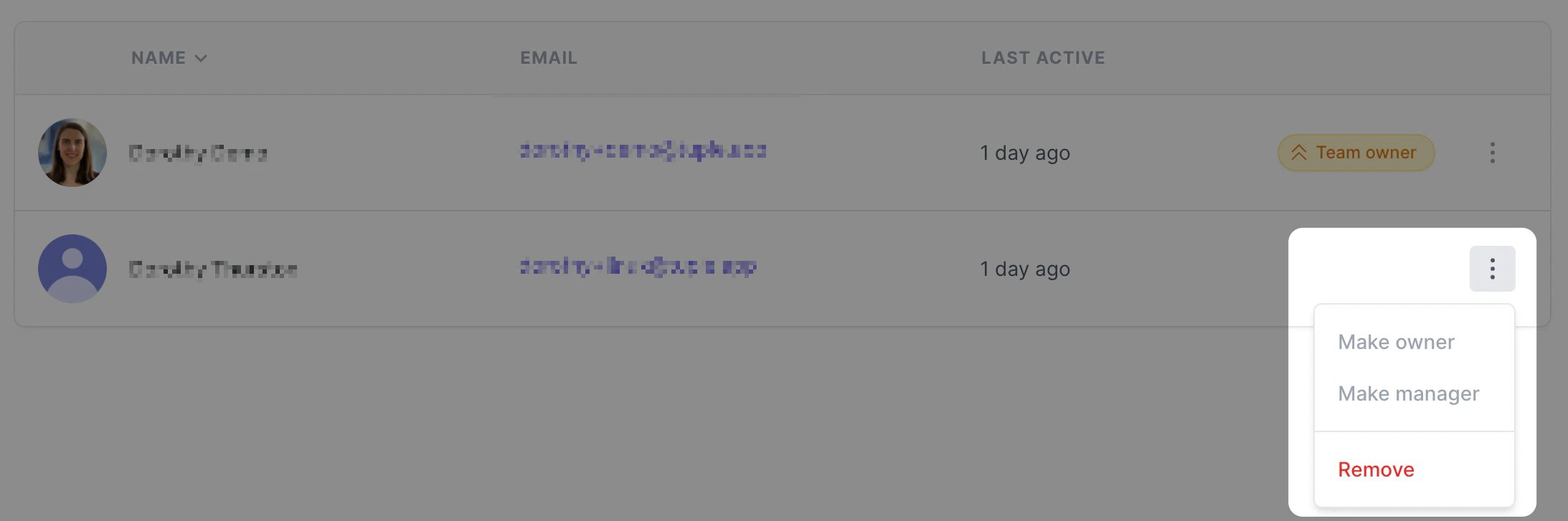
Head to your team directory, then click the three-dot menu next to any user you’d like to remove and click “Remove”: