

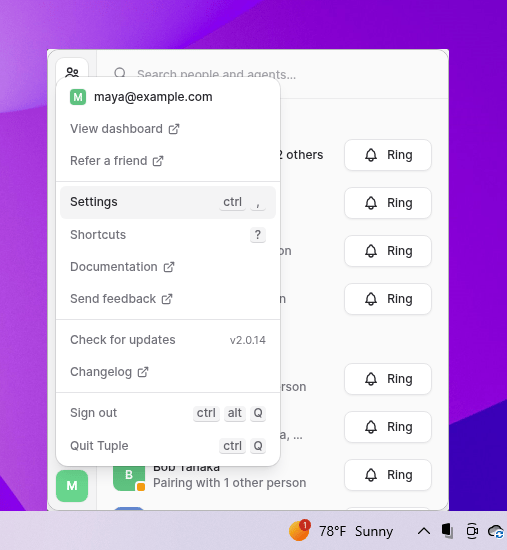
ctrl+, to open settings.
Then select Capture.
This page needs screenshots before publishing. Capture on Windows currently covers transcription only; the screen recordings and app metadata that macOS Capture records aren’t available here yet.
Capture calls automatically
Turn on Capture calls automatically to start capturing speech with a local transcription model when a call connects.Model
Capture requires a local Parakeet or Whisper GGML model file. Paste the model path into Model, or click Browse to select the file. Tuple shows whether the model is loading, loaded, or failed to load. Choose a model based on the language spoken in your calls:- Parakeet: the most accurate for English and 24 other European languages. Click Download Parakeet from Hugging Face to open the Parakeet model repository.
- Whisper large-v3-turbo: use this for any other language. Click Download Whisper from Hugging Face to open the whisper.cpp model repository.