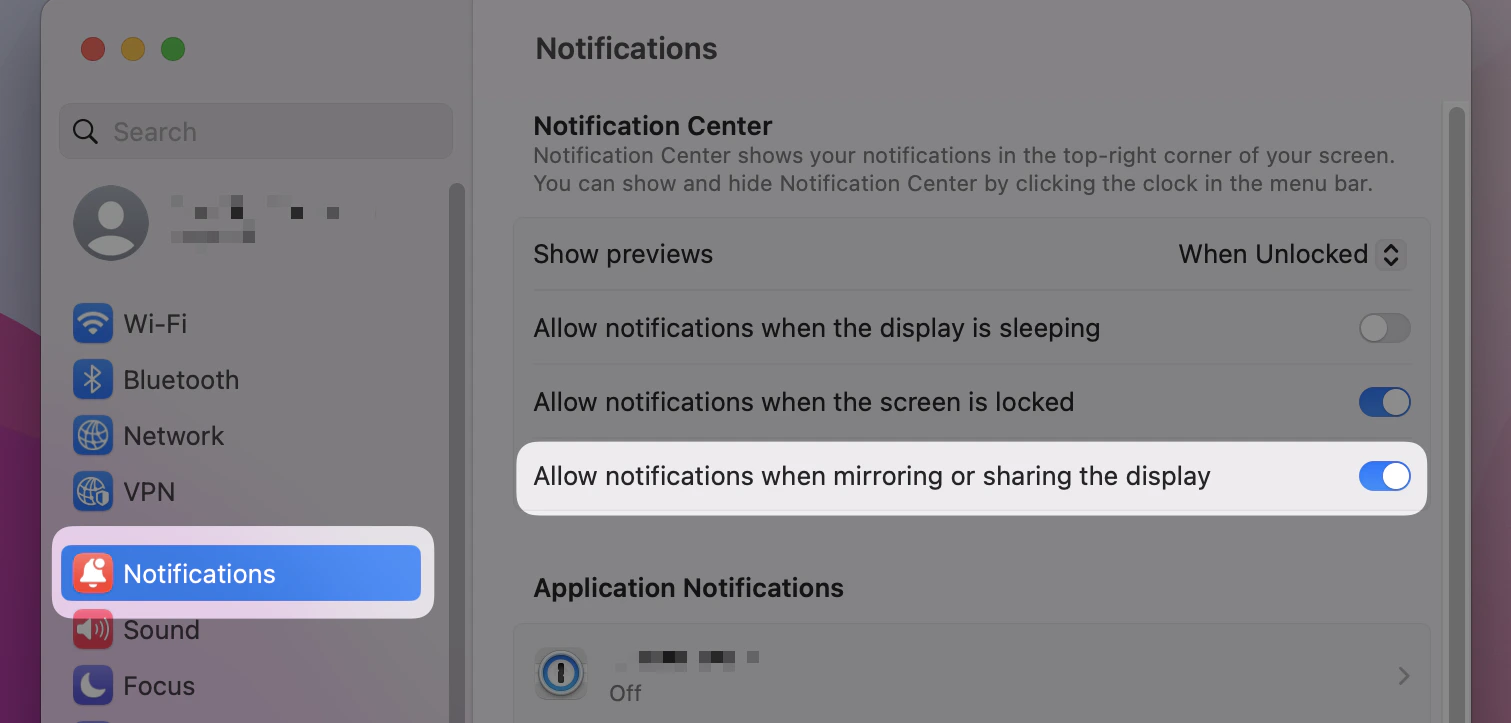
> ## Documentation Index
> Fetch the complete documentation index at: https://docs.tuple.app/llms.txt
> Use this file to discover all available pages before exploring further.
# Not receiving notifications
Having trouble getting Tuple notifications to show up on macOS?
Navigate to
**System Settings > Notifications > Tuple**. Your settings should look something like this:
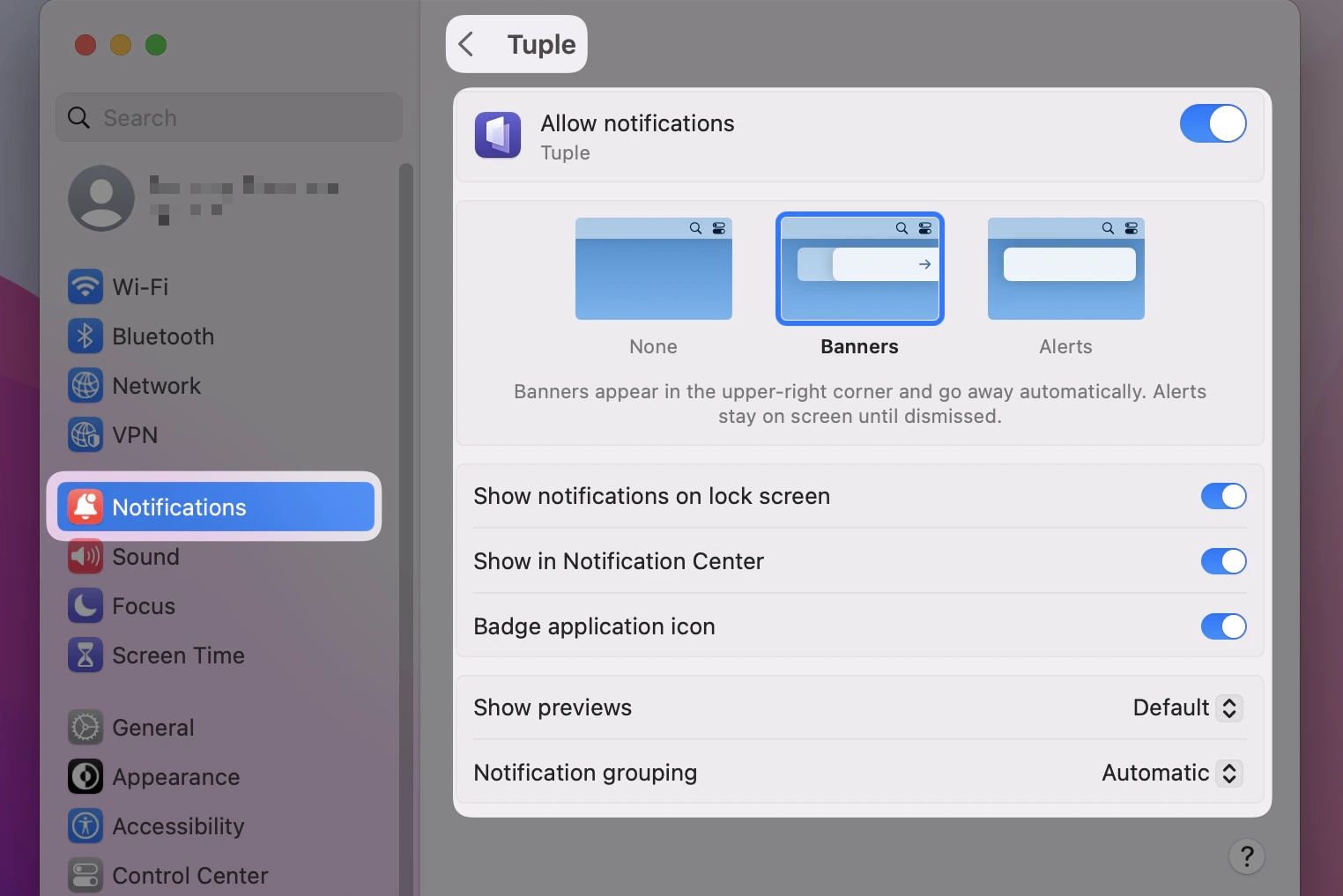 Then you should see notifications in the center, such as one like this if you miss a Tuple call:
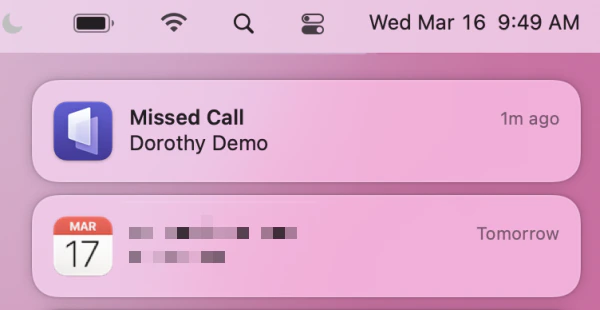 If you are still not seeing notifications, check that the following setting is enabled at the bottom of the profile in
**System Settings > Notifications > The app you want to receive notifications for:**
If you are still not seeing notifications, check that the following setting is enabled at the bottom of the profile in
**System Settings > Notifications > The app you want to receive notifications for:**