> ## Documentation Index
> Fetch the complete documentation index at: https://docs.tuple.app/llms.txt
> Use this file to discover all available pages before exploring further.
# SCIM provisioning
> Automatically provision and deprovision Tuple user accounts from your identity provider
SCIM (System for Cross-domain Identity Management) automatically provisions and deprovisions user accounts in Tuple when you update them in your identity provider. This eliminates manual user management and ensures access stays in sync.
## Getting credentials
SCIM credentials are issued per-team. To enable SCIM:
1. Send an email to [support@tuple.app](mailto:support@tuple.app) requesting SCIM provisioning.
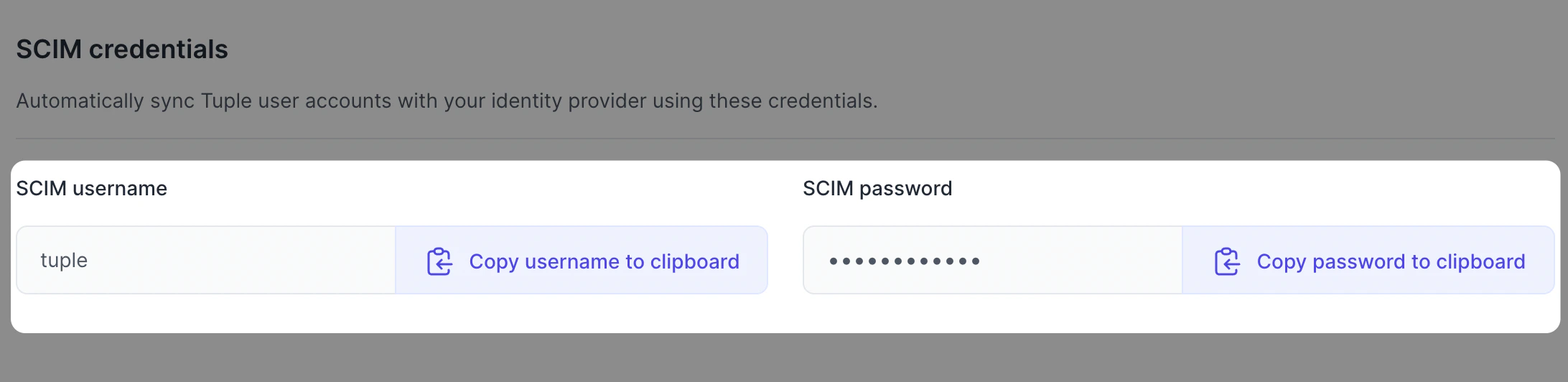
2. Once approved, your credentials appear on the [Team Management page](https://production.tuple.app/team_management/invitations).
 ## Provider-specific guides
Okta SCIM connector
Formerly Azure AD
SCIM Provisioner with SAML
## How SCIM works with Tuple
| Action in your identity provider | Result in Tuple |
| -------------------------------- | ----------------------------------------- |
| Assign user to Tuple app | Account created, seat billing begins |
| Remove user from Tuple app | Account deprovisioned, seat billing stops |
| Update user profile | Name and email updated in Tuple |
## Tuple's SCIM endpoints
| Field | Value |
| ----------------------- | -------------------------------------- |
| SCIM connector base URL | `https://production.tuple.app/scim/v2` |
| Unique identifier field | `email` |
## Questions?
[Email us](mailto:support@tuple.app) if you need help setting up SCIM provisioning.
## Provider-specific guides
Okta SCIM connector
Formerly Azure AD
SCIM Provisioner with SAML
## How SCIM works with Tuple
| Action in your identity provider | Result in Tuple |
| -------------------------------- | ----------------------------------------- |
| Assign user to Tuple app | Account created, seat billing begins |
| Remove user from Tuple app | Account deprovisioned, seat billing stops |
| Update user profile | Name and email updated in Tuple |
## Tuple's SCIM endpoints
| Field | Value |
| ----------------------- | -------------------------------------- |
| SCIM connector base URL | `https://production.tuple.app/scim/v2` |
| Unique identifier field | `email` |
## Questions?
[Email us](mailto:support@tuple.app) if you need help setting up SCIM provisioning.