> ## Documentation Index
> Fetch the complete documentation index at: https://docs.tuple.app/llms.txt
> Use this file to discover all available pages before exploring further.
# Requesting a Team Invite Link
If you're trying to join your team on Tuple, you'll need someone on your team to send you a **team invite link**. Anyone on your team can do this - they don't have to be a team owner. Here's how one of your teammates can get this link for you:
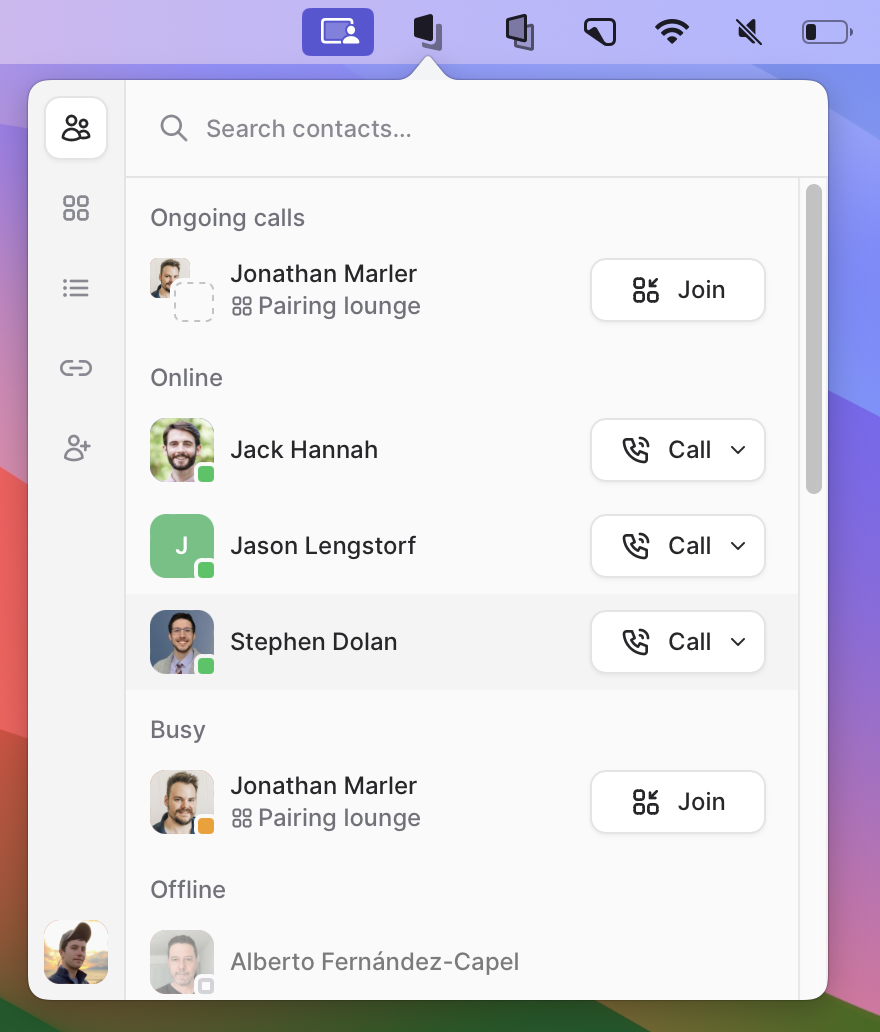
Have someone on your team open the Tuple popover in the menu bar:
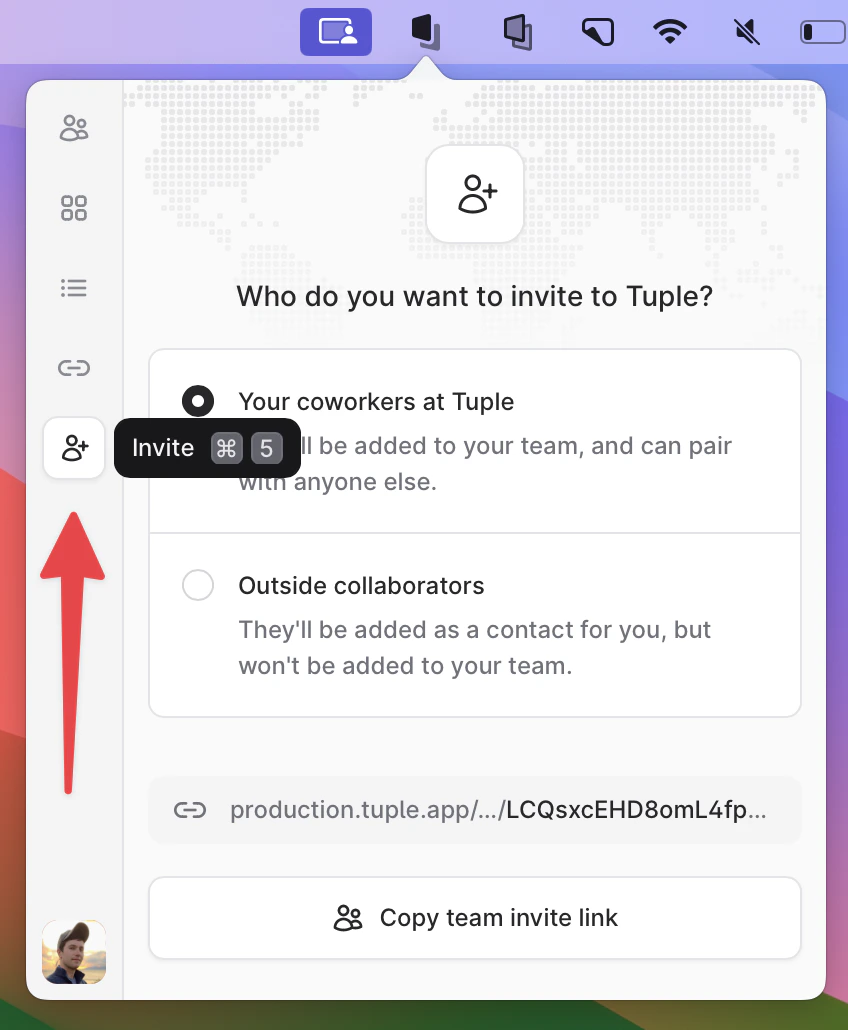
 Navigate to the **Invite** tab:
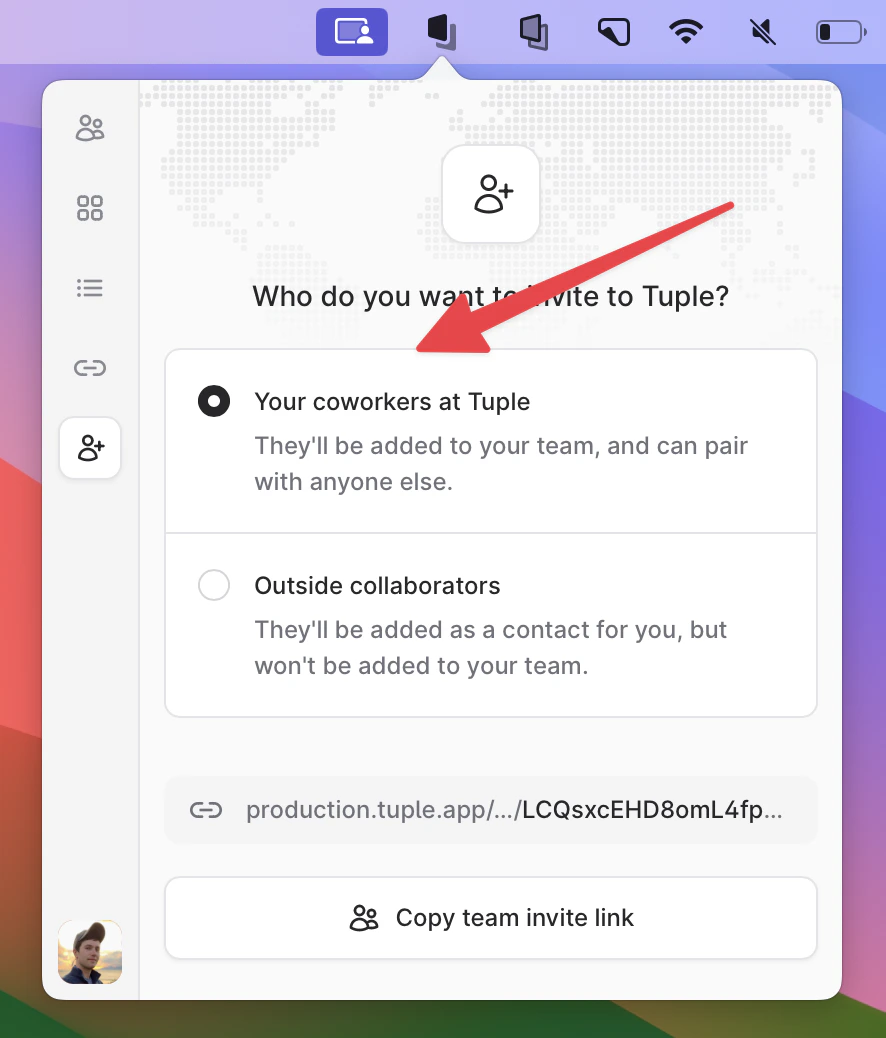
 Be sure the "team invite link" option is selected:
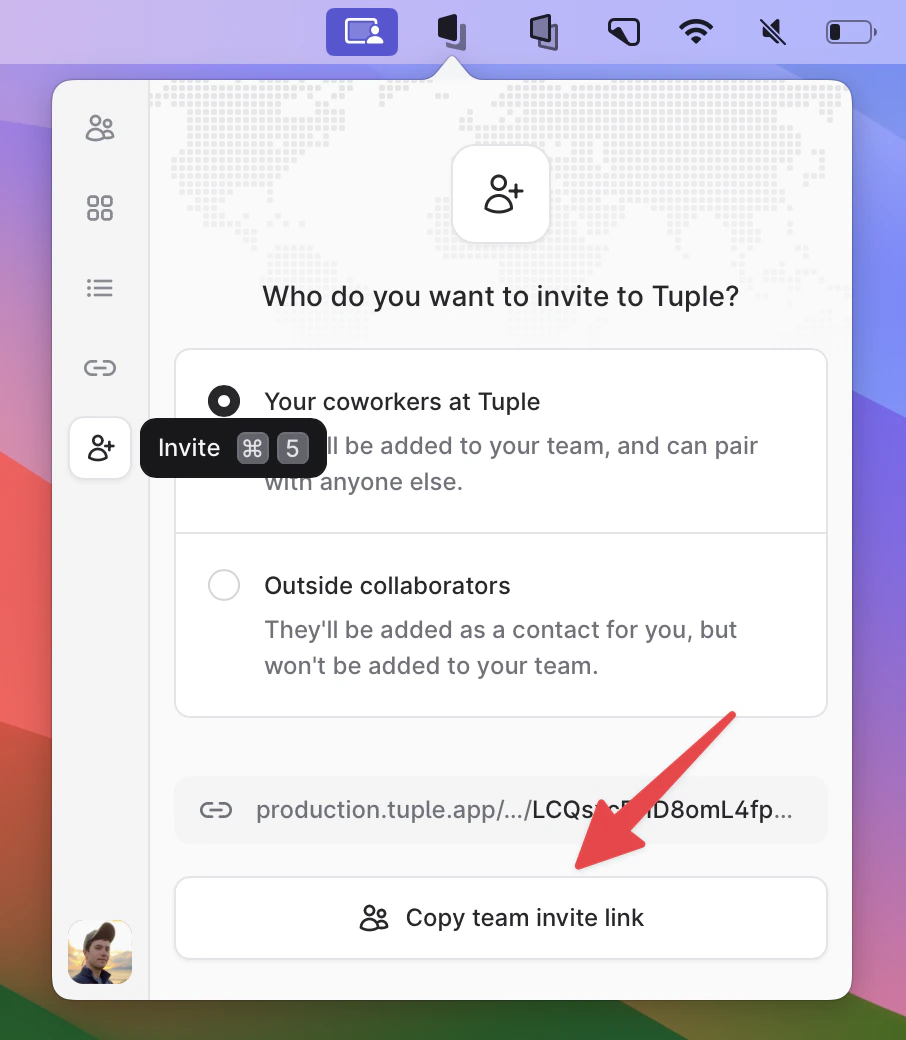
 Have them copy the link, and send it to you via chat / text / email:
 Clicking on that link should allow you to join your team when you sign up for Tuple. If you've already created an account but haven't joined a team yet, you **won't** have to make a new one; clicking on the link allows you to join your team with the account you've already created.