> ## Documentation Index
> Fetch the complete documentation index at: https://docs.tuple.app/llms.txt
> Use this file to discover all available pages before exploring further.
# Cancelling a subscription
If you are the
**Team Owner** for a team with an **active** or trial subscription, you can access the billing portal by selecting "Manage billing on Stripe" on [your team management page](https://production.tuple.app/team_management/settings).
You will see the following "Manage billing on Stripe" button:
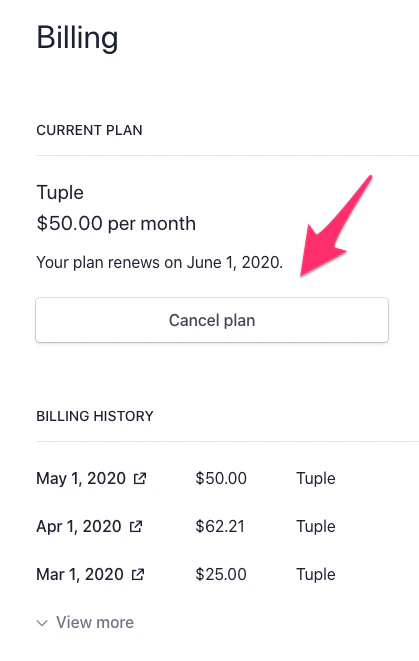
 This will take you to a page where you can set your subscription to cancel, renew it if you change your mind, and download past statements: