> ## Documentation Index
> Fetch the complete documentation index at: https://docs.tuple.app/llms.txt
> Use this file to discover all available pages before exploring further.

# Adding Details To Your Invoice

If you are the Owner of a team with an active subscription, you can add extra information — a billing address, tax information, or a VAT ID — to your invoice.

Beneath the Users List, select "Manage Billing":

<img src="https://mintcdn.com/tuple-0f82e5be/6QQND0Fn_6FQQwmn/images/team-management/shared/manage-billing-on-stripe-button.png?fit=max&auto=format&n=6QQND0Fn_6FQQwmn&q=85&s=4fd190c0b613f73f2dc45d4004ecead4" alt="Team management page with the Manage Billing button highlighted" width="468" height="96" data-path="images/team-management/shared/manage-billing-on-stripe-button.png" />

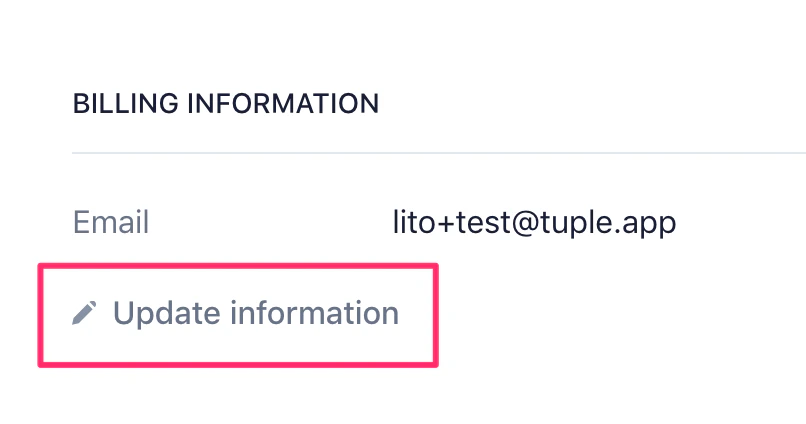
Then, click on "Update information":

<img src="https://mintcdn.com/tuple-0f82e5be/6QQND0Fn_6FQQwmn/images/team-management/adding-details-to-your-invoice/update-information-button.png?fit=max&auto=format&n=6QQND0Fn_6FQQwmn&q=85&s=16cff954055188daa48432eb643ef9ae" alt="Stripe billing portal with the Update information button highlighted" width="806" height="424" data-path="images/team-management/adding-details-to-your-invoice/update-information-button.png" />

That will bring you to a page where you can add your address and tax information to your invoices.
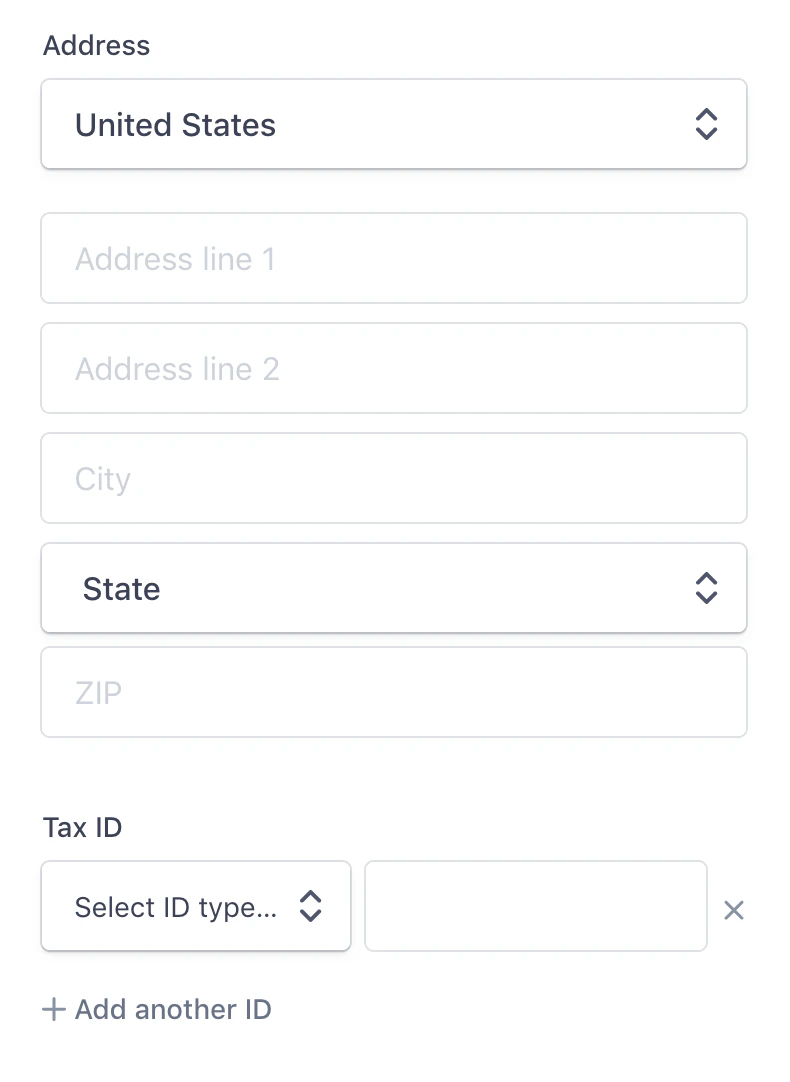
<img src="https://mintcdn.com/tuple-0f82e5be/6QQND0Fn_6FQQwmn/images/team-management/adding-details-to-your-invoice/invoice-information-form.png?fit=max&auto=format&n=6QQND0Fn_6FQQwmn&q=85&s=d1b38fc367f6b6214fdef0ad2e3d8e0a" alt="Stripe invoice information form for address and tax details" width="790" height="1082" data-path="images/team-management/adding-details-to-your-invoice/invoice-information-form.png" />

If you need an old invoice voided in favor of an updated version, please [write to us](mailto:support@tuple.app)!