> ## Documentation Index
> Fetch the complete documentation index at: https://docs.tuple.app/llms.txt
> Use this file to discover all available pages before exploring further.
# Using Tuple for Interviews
Pairing is a great way to interview developers. Pairing with candidates using Tuple is even better!
Invite candidates as **outside collaborators**, not teammates. This does not add them to your team or consume a paid seat. Candidates without a Tuple account can create a free guest account without starting a trial or entering payment information.
When you *schedule* the interview, send the candidate your outside-collaborator invite link or add them by email. They can accept with an existing Tuple account or create a [free guest account](/managing-your-account/using-tuple-as-an-unpaid-user).
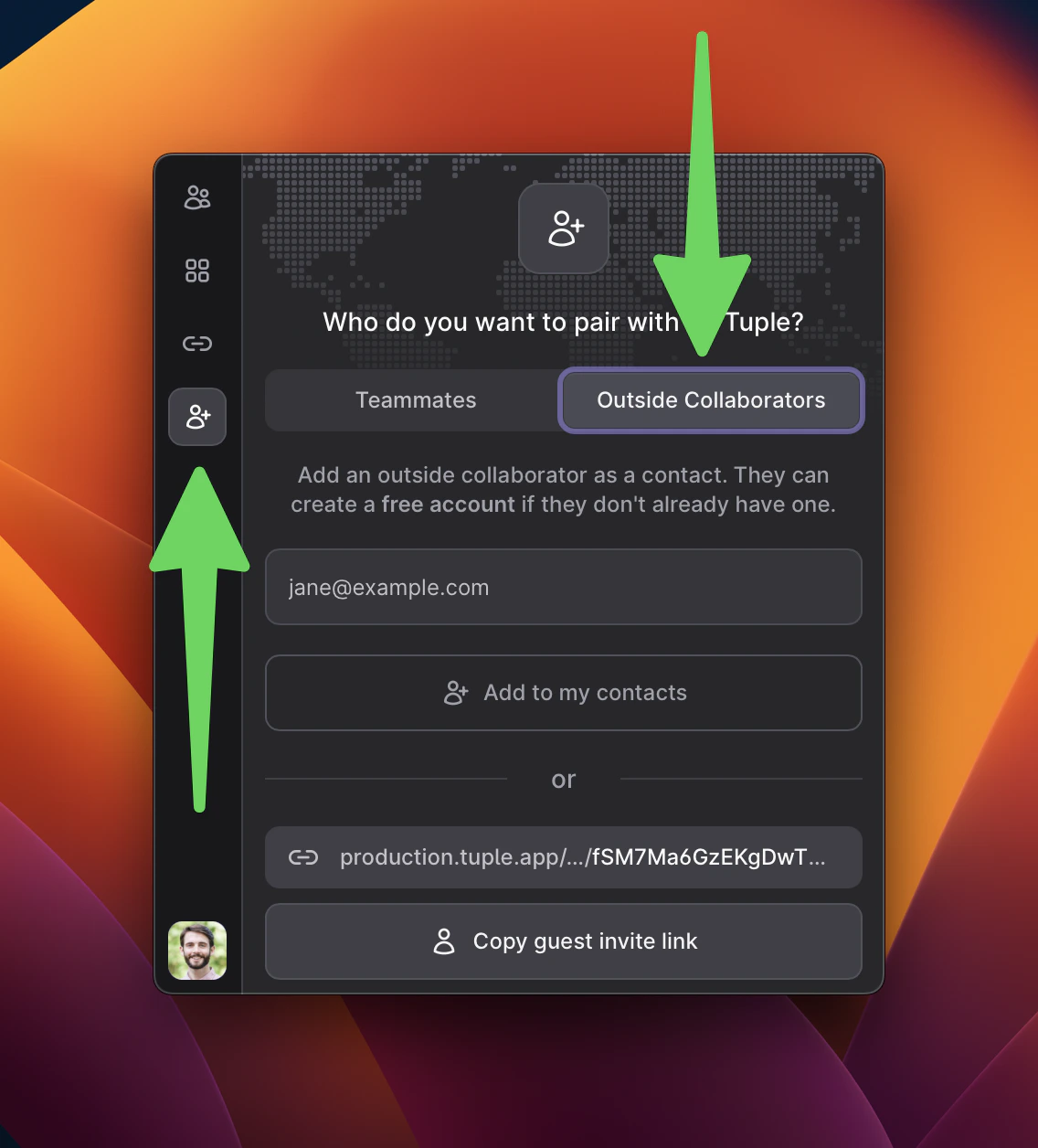 You'll be added as contacts for one another, but they will *not* be able to see the rest of your Tuple team in their contact list.
You can then send them a call link or call them directly at the time of the interview. Note: candidates who create free guest accounts will *not* be able to join Room links.
To remove them after an interview, right-click them in your contact list and select **Remove**.
You'll be added as contacts for one another, but they will *not* be able to see the rest of your Tuple team in their contact list.
You can then send them a call link or call them directly at the time of the interview. Note: candidates who create free guest accounts will *not* be able to join Room links.
To remove them after an interview, right-click them in your contact list and select **Remove**.