> ## Documentation Index
> Fetch the complete documentation index at: https://docs.tuple.app/llms.txt
> Use this file to discover all available pages before exploring further.
# Joining an existing call
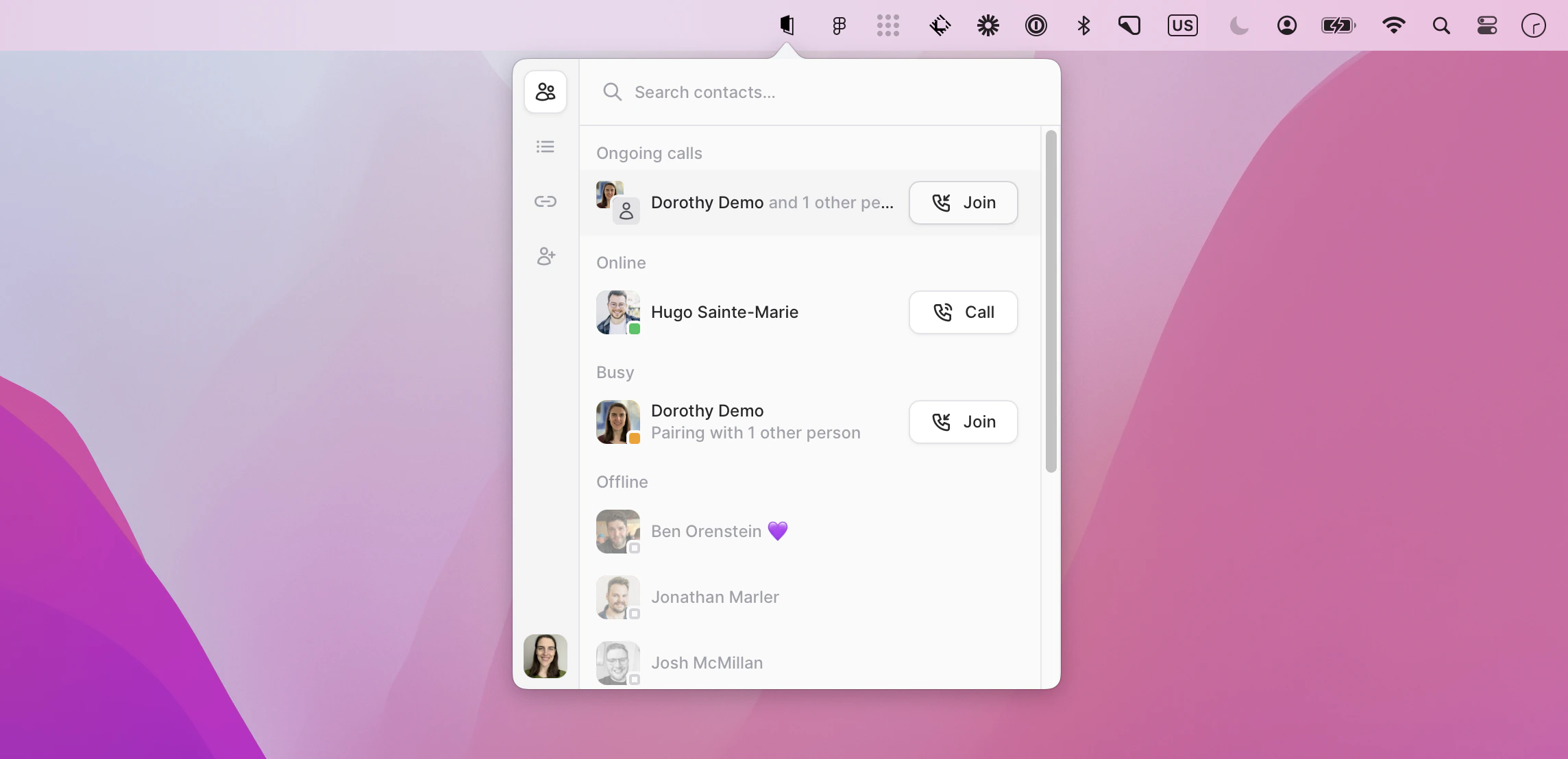
If a friend is currently pairing, you will see the yellow icon next to their avatar and a description of who they are pairing with below (more about showing who you are pairing with [here](/pairing-with-tuple/showing-who-youre-pairing-with)).
If you would like to join this pairing session, you can do so by clicking the **Join** call icon:
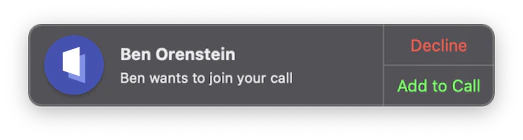
 This will notify the call participant that you would like to join their call by showing them a notification like this: